
Free Invitation Card With RSVP: See Who Is Coming
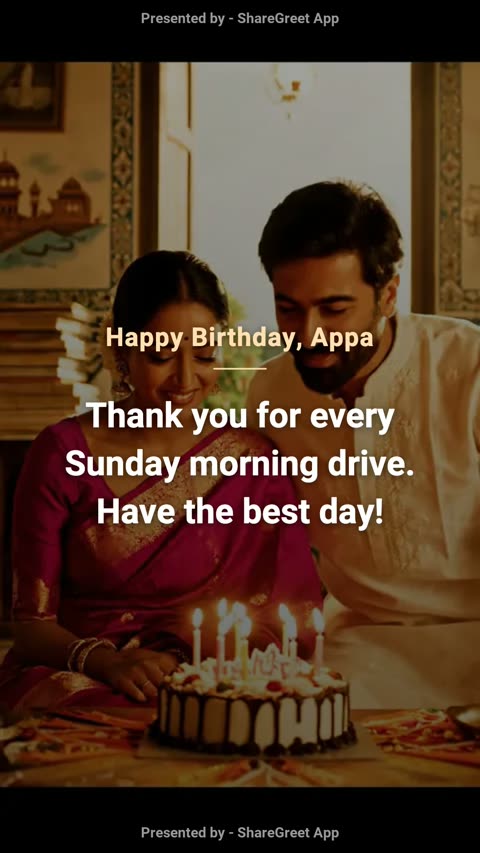
Sending an invitation is easy. Finding out who is coming is the hard part: scattered replies, missed messages, and a guess on the day. A ShareGreet invitation card has an RSVP built in, so the answers come to one place.
How to make it
- Open the Create tab and choose Make a card.
- Add a photo and write your invitation. Words like join us, party or wedding make ShareGreet suggest RSVP.
- Turn on Ask guests to RSVP. Add the when and where if you like, such as Sat 8 Nov, 7 pm and Our home.
- Make the card and send the link on WhatsApp.
What your guests do
They open the link and see your card, with the date and place. Under it they tap Yes, Maybe or Can't, type their name, say how many of them are coming, and can add a note such as Will bring dessert.
What you see
- A push notification for each answer, for example Asha: Yes, 3 people.
- A count of yes, maybe and can't, and how many people are coming.
- The list of names with their notes, under Replies on your card.
If a guest changes their mind, they answer again with the same name and the new answer replaces the old one. You can switch RSVP on later for a card you already made, from the same Replies screen.
Free to use
Cards and RSVP use no AI and no credits. See how to make a free greeting card with your photos.
Frequently asked questions
Is RSVP free?
Yes. It uses no credits.
Do my guests need the app?
No. They answer on the card page in their browser.
Can a guest change their answer?
Yes. They answer again with the same name and it replaces the first answer.
How many people can one guest bring?
A guest can say 1 to 10 people are coming.
Can I add RSVP to a card I already sent?
Yes. Open the card's Replies screen and turn on Ask guests to RSVP.
How do I see who is coming?
Under Replies on your card, with counts for yes, maybe and can't, and the list of names.
More articles
- Wedding Invitation Message Wording: Short, Warm and Clear
- Save Your Characters and Use Them in Every Wish, Dance and Video
- New Year, Christmas and Eid Wishes a Character Says in Your Language
- Make a Picture From Words: An AI Image Maker for Cards, Wishes and Flipbooks
- Housewarming and Baby Shower Invitation Messages, With RSVP