
AI Video Prompt Builder: Write a Better Prompt for Any Video Tool
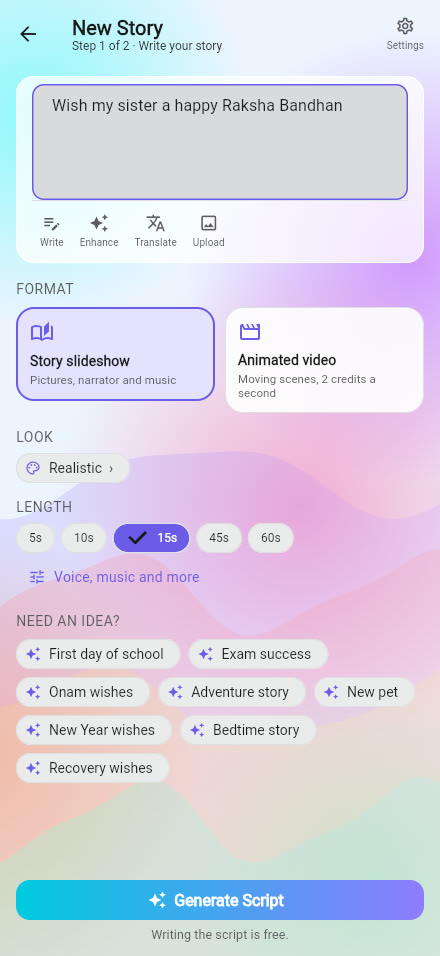
Most bad AI videos start with a bad prompt: one long sentence that mixes who is in the shot, where it is, what the camera does and how it should sound. Prompt studio in ShareGreet fixes that. You fill in short parts, one at a time, and it joins them into a single clear prompt in the order video tools read best.
You can copy that prompt into any AI video tool, or tap one button and make the video in ShareGreet with the form already filled in.
The order a good video prompt follows
- Shot and camera move: wide, medium, close-up, over the shoulder, overhead or detail, then still, slow push-in, slow glide, handheld, slow orbit or tilt up
- Who: one clear description of the people or the pet, with clothes and age
- What happens: one action, in plain words
- Where: the setting, with a few real objects in it
- Light: warm lamp light, golden hour, candlelight, firelight, moonlight, soft morning light, neon glow or cold blue snow light
- Look and mood: cosy, calm, joyful, funny, romantic, tense, nostalgic or festive
- Sound: the ambient sounds you want to hear, and any words that are spoken
- Technical notes and what to avoid: vertical 9:16, the length, one continuous shot, and no subtitles, watermark or anything scary
The studio joins your parts in this order, so you never have to remember it.
What it builds: an example
Start from the Snowy cabin example. With a wide shot and a slow push-in, the full prompt comes out like this:
Wide shot, Slow push-in. Setting: A modern mountain cabin living room at night, tall glass wall under a high pitched roof, heavy snow outside, cream sofa, low table with lit candles, minimal fireplace, black staircase to a loft. Light: Warm lamp light inside, cold blue snow light outside. Mood: cosy, calm. Sound: ambient sounds: crackling fire, soft wind and snow; no speech; no music. Vertical 9:16, about 10 seconds, one continuous shot. Avoid: subtitles, on-screen text, watermark, anything scary or violent.
Every part is something a video model can act on, and nothing is left to chance. The other starting points are Diwali courtyard, Husband and wife comedy, Sleeper train in snow and Plush story.
Four kinds of video
| Choose | Use it for |
|---|---|
| Cozy space | A calm scene with a mood and sounds, such as a snowy cabin or a rainy window. See Cosy space |
| Talking drama | A short scene with people who speak. Add the dialogue and each line is written to be spoken once, in order |
| Story video | A short animated story in the look you choose |
| Photo story | A story told with still pictures, which costs fewer credits |
Save the parts you reuse
Tap Save to keep a prompt in My prompts. You can keep up to 60, sorted as a Character, a Scene, a Sound or a Full prompt. Save a character description once, such as the same grandmother in a green sari, and drop it into any later video so she looks the same.
Buttons at the bottom
- Copy: the full prompt, ready to paste into any video tool
- Improve with AI: rewrites your prompt, and Undo brings your own words back
- Save: keeps it in My prompts
- Make it in ShareGreet: opens the right form with a shorter idea text, because the look, length and what to avoid are already options there
Five habits that make better videos
- One shot, one action. A single clip that tries to show three scenes shows none of them well.
- Describe the light. It changes the mood more than any other single word.
- Name the sounds you want, and say no speech if nobody should talk.
- For talking scenes, write each spoken line once and in order.
- Say what to avoid: subtitles, watermark, anything scary.
Find Prompt studio from the Create tab. For ready-made story ideas, see prompts for AI story greetings. To choose how your video is drawn, see all 37 looks.
Frequently asked questions
What is an AI video prompt builder?
It is a form that joins short parts, such as the shot, the people, the place, the light and the sound, into one clear prompt. ShareGreet's Prompt studio does this and lets you copy the result into any AI video tool.
Can I use the prompt in other video tools?
Yes. Copy gives you the full prompt, with the vertical format, length and what to avoid included. You can paste it anywhere.
Can I make the video in ShareGreet?
Yes. Make it in ShareGreet opens the right form with a shorter idea text, because the look, length and what to avoid are already options there.
How many prompts can I save?
Up to 60, kept in your own account as a character, a scene, a sound or a full prompt.
What kinds of video does it cover?
Cosy space, talking drama, story video and photo story.
More articles
- Greet My Circle: Send Every Festival Wish in One Minute, in Everyone's Language
- AI Video Styles: 37 Looks From Realistic and Anime to Clay and Watercolour
- Which AI Video Tool Should I Use? A Simple Guide to Every ShareGreet Video Maker
- Replace a Character in a Video With AI: Swap a Person for a Pet, Toy or Cartoon
- Pop-Up Greeting Card Online: Send a Card That Opens Like a Book and Gets a Video Reply