
Save a Flipbook as a Video You Can Post or Send
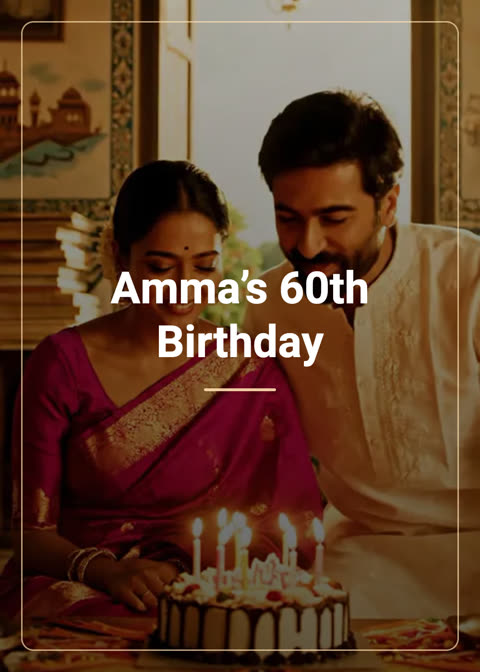
A flipbook link is lovely, but some places want a video: a WhatsApp status, an Instagram story, a family group that never taps links. ShareGreet can turn any flipbook you made into a vertical video that turns its own pages.
How to make it
- Open your profile and tap the flipbook.
- Choose Download as video.
- Pick the music: one of the free tracks, one you made, or none.
- That is it. The video is made in the background, so you can leave the screen. A tile in Profile says Making video….
- When it is ready you get a message. On a phone it is saved to your gallery with a Share button. On the web it has a Download button.
What the video does
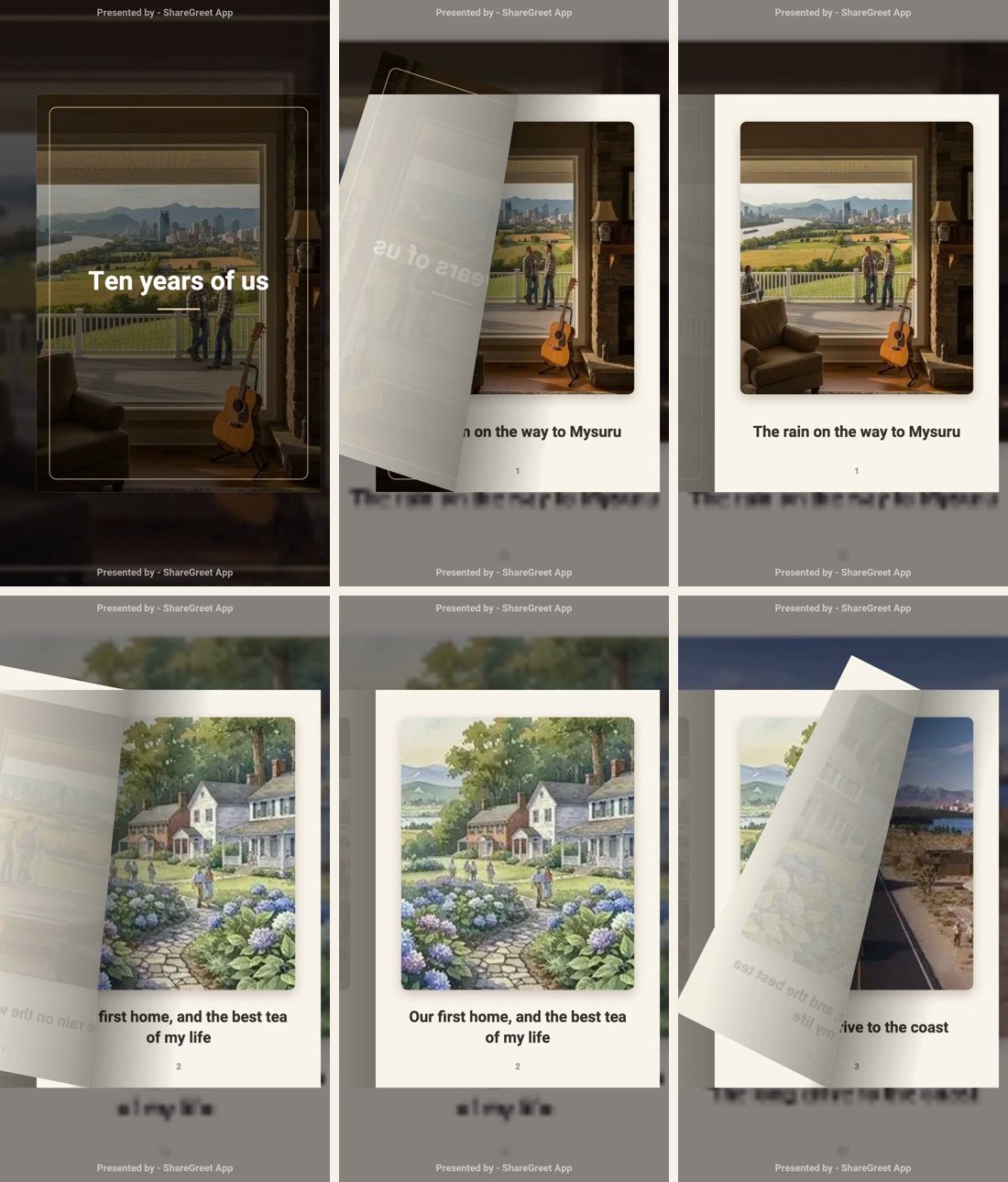
- Each page is held long enough to read, based on how much text it has.
- Pages turn with a real page-fold, and the turned page stays on the left.
- If you recorded your own voice or used an AI voice, it is in the video, and the music sits under it.
- It is vertical (1080 by 1920), the shape phones expect.
How long it takes
A book of about eight pages takes around a minute to make. Asking again for the same book and music returns the saved video straight away, and changing the music makes a new one.
Cost
Making the video is free. Any AI voice or made-to-order music was already paid for when you made the flipbook.
Link or video?
Send the link when the person can tap it: pages are crisp and they can turn them at their own pace. Send the video when it has to play by itself, like a status or a group chat. For a printed copy, use the print PDF.
Frequently asked questions
Is the video free?
Yes. Making and downloading the video is free.
Does the video include my voice and music?
Yes. A voice you recorded or an AI voice is included, with the music you pick under it.
Why is it made in the background?
A video takes about a minute to render, so it runs while you do something else and tells you when it is ready.
What shape is the video?
Vertical, 1080 by 1920, which suits WhatsApp status and Instagram stories.
More articles
- Greet My Circle: Send Every Festival Wish in One Minute, in Everyone's Language
- AI Video Styles: 37 Looks From Realistic and Anime to Clay and Watercolour
- AI Video Prompt Builder: Write a Better Prompt for Any Video Tool
- Which AI Video Tool Should I Use? A Simple Guide to Every ShareGreet Video Maker
- Replace a Character in a Video With AI: Swap a Person for a Pet, Toy or Cartoon