
Ask for Anything: How the ShareGreet Guide Works
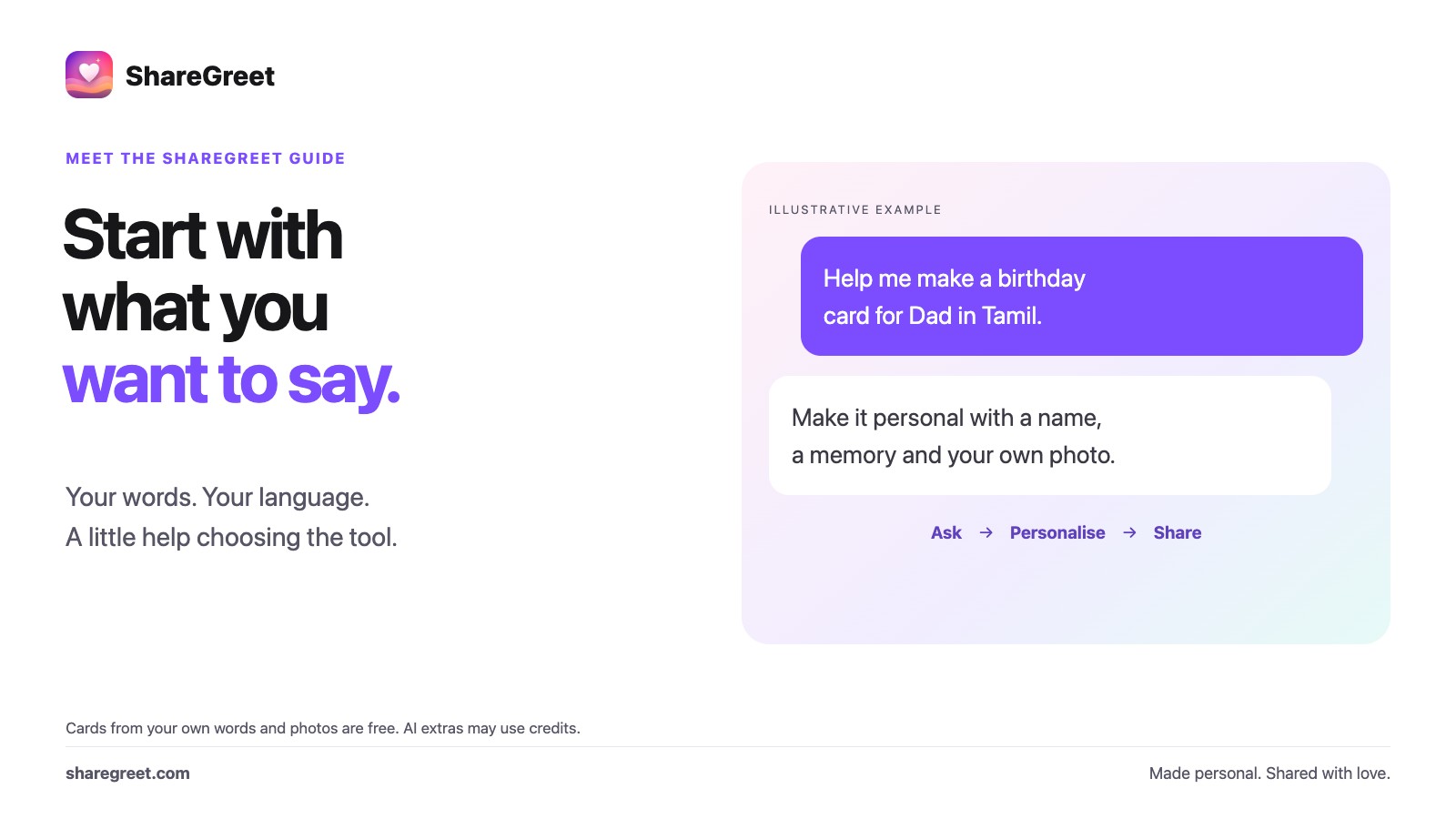
ShareGreet is no longer a place where you have to know which tool to open first. You type what you want, the way you would say it to a friend, and the guide takes it from there. It works in your own language, and you do not need to know the names of anything.
What you can ask for
- A video: “a dancing kitten video” or “a story about a village bus stop in the rain”. The guide writes the idea and offers the right video tool.
- A picture: “a peacock dancing”. It is drawn right in the chat, 1 credit for each picture, and 1 more for another version, or one 4K picture for 3 credits if you ask for 4K.
- A card: “a birthday card for Dad”. The guide writes the title and message, and the card itself is free.
- A photo fix: attach a photo and say “restore this”, “remove the car”, or “make the sky blue”. See fix, edit and combine photos.
- Words: a caption, a shayari, a poem, a translation, a plan or advice. When no tool is needed, the guide writes the answer in the chat itself.
How it works, step by step
- Open the Create tab and type or say what you want in the box at the bottom, or tap one of the ideas.
- The guide answers in a line or two and tells you what it will cost before anything is made. A card is free.
- Press the button it offers, such as Create. For a video or a longer tool, it opens with your words already filled in, and More options lets you change anything.
- Reply to refine it: “make it funnier”, “in Tamil”, “in 4K”.
It remembers your chat
Your recent chats are kept, so you can close the app and come back to them. A picture the guide drew is still in the chat when you return, and it is also saved in My pictures on your Profile. Tap the expand icon to give the chat the whole screen.
Things to know
- The guide will not use named characters from films or games. It offers a similar invented character instead.
- It will not change a person's skin tone or body in a photo. It can fix damage, remove objects and change surroundings.
- Pictures made by AI carry a small “Created by ShareGreet” line when you send them, except 4K pictures.
- Cards made from your own words and photos are free. AI pictures, photo fixes and AI videos may use credits. Free photo-story tries do not cover every AI tool; check the cost shown before creating.
Ready? Open ShareGreet and type what you want.
Frequently asked questions
Do I need to know which tool to use?
No. Say what you want in your own words and language, and the guide picks the tool and fills it in.
What if no tool fits my request?
The guide writes the answer itself in the chat, such as a caption, a shayari, a poem or a translation.
Is it free?
Cards made from your own words and photos are free. Pictures and photo fixes use credits. New accounts have free photo-story tries, not a free allowance for every AI tool. Check the displayed cost.
Is my chat kept?
Your recent chats stay on your account so you can return to them, and pictures the guide drew are saved in My pictures.