
Fix, Edit and Combine Photos With AI
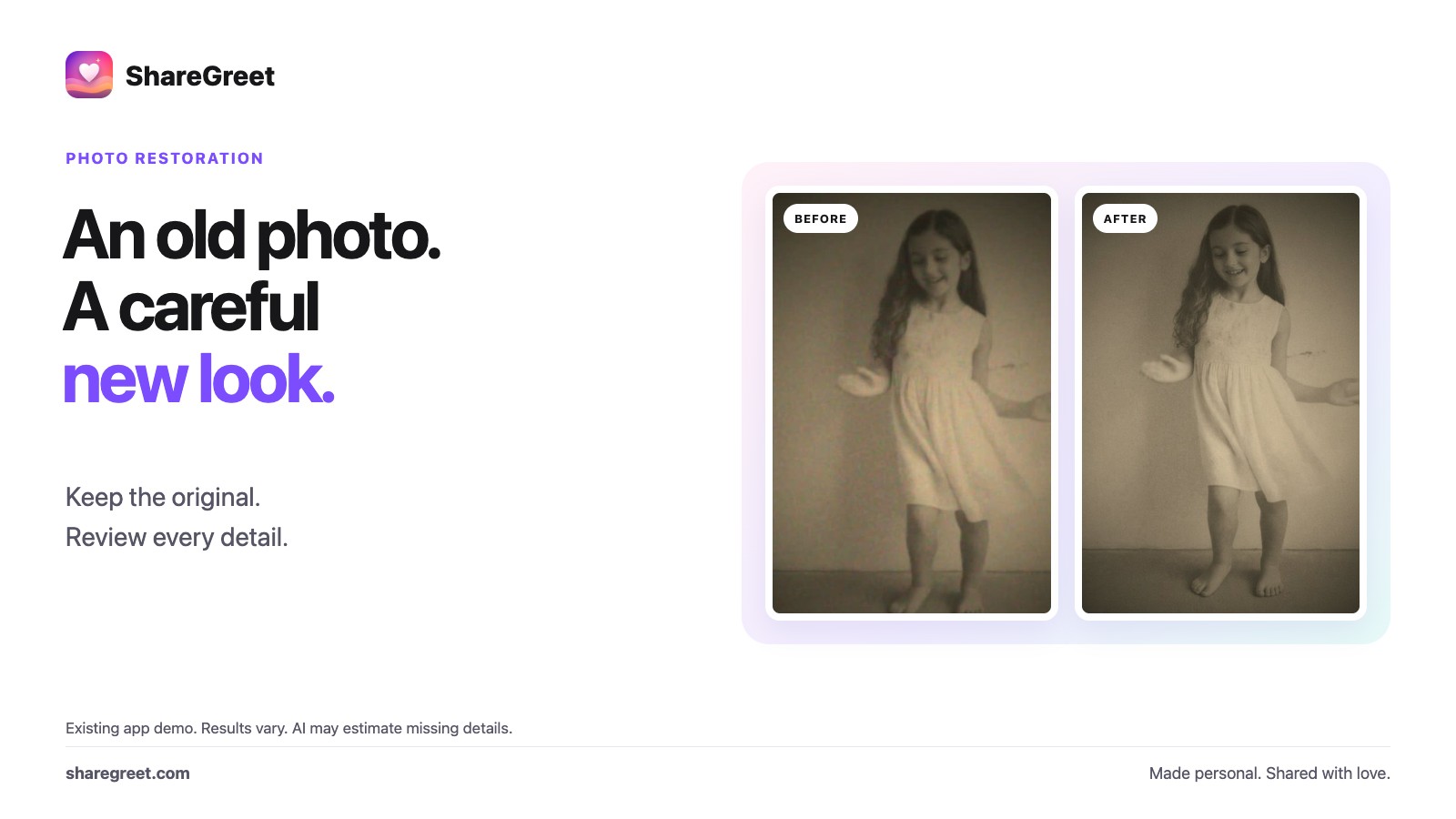
Most people have a photo they wish were better: a faded print of grandparents, a holiday picture with a stranger in the corner, a family photo where two people were never in the same place. ShareGreet has four photo tools for these, and the guide can pick the right one from a sentence.
The four photo tools
- Restore: repairs scratches, fading and blur in an old photo. If the photo is black and white, you can ask for colour.
- Remove: take out a person, a car or a bin and the background is filled in. Say what to remove, such as “the red car”.
- Edit my photo: change one thing with words, such as “make the sky blue” or “add a garland”. Faces, age and skin tone stay as they are.
- Together: choose two or more photos and get one picture with everyone in it.
How to use them
- Open the Create tab and choose Fix and edit photos, or attach a photo in the guide chat and say what you want.
- Pick the tool, or just write it: “restore this old photo”.
- Check the displayed cost, then press the button. Your result is saved to My pictures; processing time varies.
- Send it, or make it sharper in 4K. See pictures in 4K.
What it costs
A photo fix costs 1 credit, and your credit comes back if it cannot be made. A separate 4K enhancement costs 3 credits. Free photo-story tries do not apply to photo fixes. Cards made from your own words and photos, and the quick video tools, are free.
AI can estimate missing details or change a face unintentionally. Keep the original and compare faces, hands, jewellery and writing before sharing. Read the old-photo restoration checklist.
What it will not do
- It does not make skin lighter or darker, or people slimmer. Those requests are politely declined.
- Use photos of people who are happy for you to. Pictures are made by AI and kept in your account, and you can delete them any time.
These tools also appear in the guide, so you can say what you want. See how the guide works.
Frequently asked questions
Which photo tools are there?
Restore, Remove, Edit my photo and Together, which puts two or more people in one picture.
How much does a photo fix cost?
1 credit, and it is returned if the fix cannot be made.
Will it change how people look?
Restoring and editing keep faces, age and skin tone as they are. Requests to lighten skin or slim someone are declined.
Where do my results go?
They are saved in My pictures on your Profile, and you can delete them at any time.