
Voice Card: Put Your Recorded Voice on Any Picture
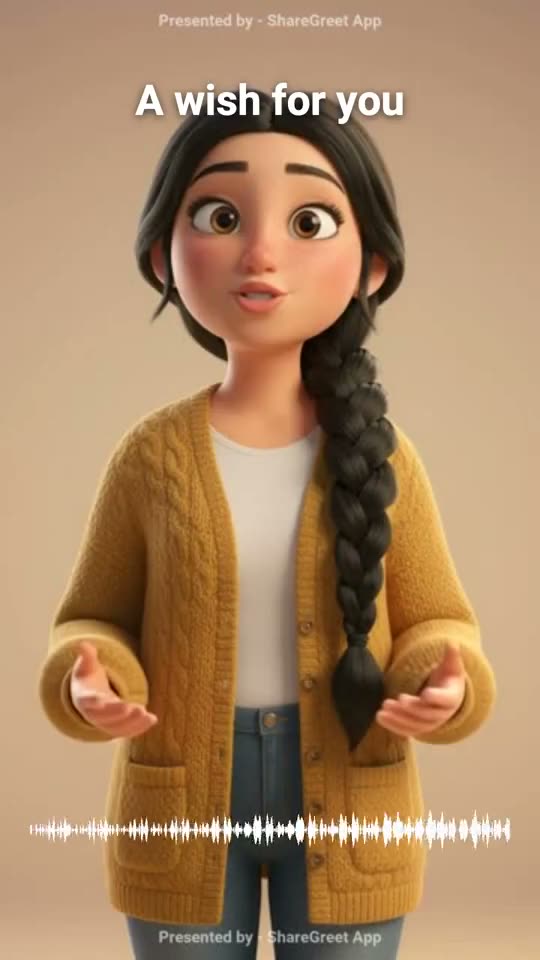
For some wishes the voice matters more than the picture. A grandmother wants to hear her grandchild, not read a line. A voice card is a picture with your recording on it and a sound wave that moves as you speak. Nothing is made up: it is your voice, as you said it.
How to use it
- Open Create, choose Quick video tools and then Voice card.
- Pick a picture.
- Record your voice, up to one minute.
- Add a short line of text if you like. It sits at the top of the picture.
The picture fills the screen over a blurred copy of itself, so a photo of any shape fits. The video is as long as your recording.
What to say
- A birthday wish in your own language and your own words.
- A short thank-you to a teacher or a host.
- A bedtime message for a child who is far away.
For tips on recording a clear voice, see record your own voice on a card or flipbook. Quick video tools use no AI and no credits. You can make up to 20 a day, free.
Frequently asked questions
How long can I record?
Up to one minute.
Is the voice changed?
No. It is your own recording, with the wave drawn on top.
Can I use a recording I already have?
In this tool you record the voice there and then.
Is it free?
Yes, with no AI and no credits.