
Make an AI Picture in 4K
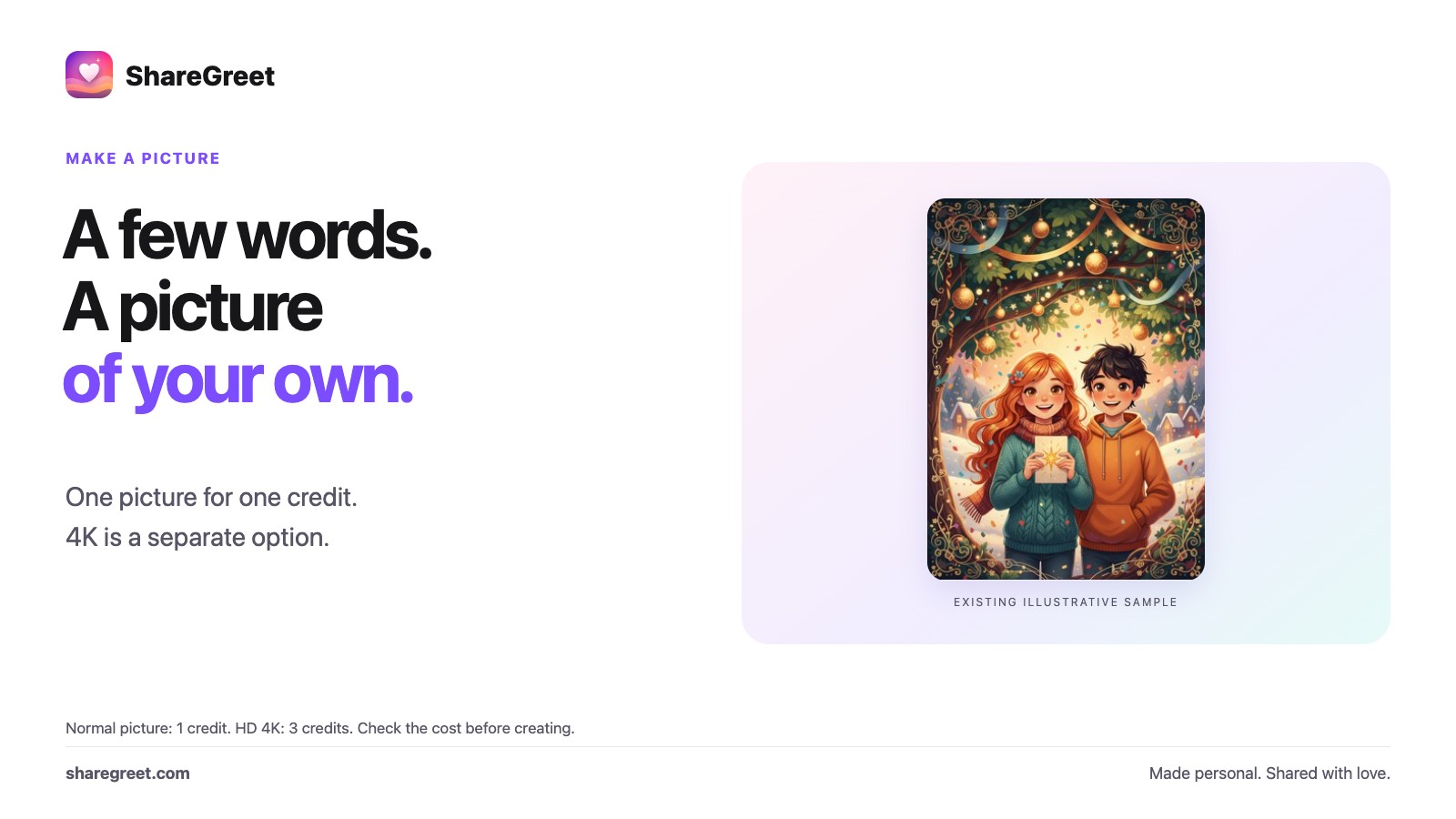
A normal ShareGreet picture suits sharing on phones. For a print, wallpaper or poster, the HD 4K option requests a higher-resolution result. More pixels can help, but AI does not recover guaranteed historical detail or make every piece of writing accurate.
How to ask for 4K
- In the guide, say what you want and add “in 4K”, for example “a peacock dancing, in 4K”. The button then says Create in 4K.
- Or make a normal picture first, then tap HD 4K under it to sharpen that same picture.
- In the picture maker, the same HD 4K button sits under your result.
What you get
- A higher-resolution picture. Pixel dimensions and file size depend on the result and aspect ratio; check the downloaded file before ordering a print.
- Processing time varies. Wait for the completed result rather than treating an estimate as a guarantee.
- It is saved in My pictures and opens full screen so you can share or save it.
What it costs
A 4K picture costs 3 credits, for one picture. A normal picture costs 1 credit. If a 4K picture cannot be made, the credits are returned to you.
4K pictures have no watermark. Normal pictures carry a small “Created by ShareGreet” line when you send them.
Try it in the guide: ask for anything.
Frequently asked questions
How do I ask for 4K?
Add "in 4K" to your request in the guide, or tap HD 4K under a picture you already made.
How much does 4K cost?
3 credits for one picture. If it cannot be made, the credits are returned.
How big is a 4K picture?
Dimensions and file size vary by result and aspect ratio. Check the downloaded file's pixel dimensions and your printer's requirements.
Does a 4K picture have a watermark?
No. Normal pictures carry a small Created by ShareGreet line when you send them.