
How to Make a Flipbook Greeting You Can Share by Link
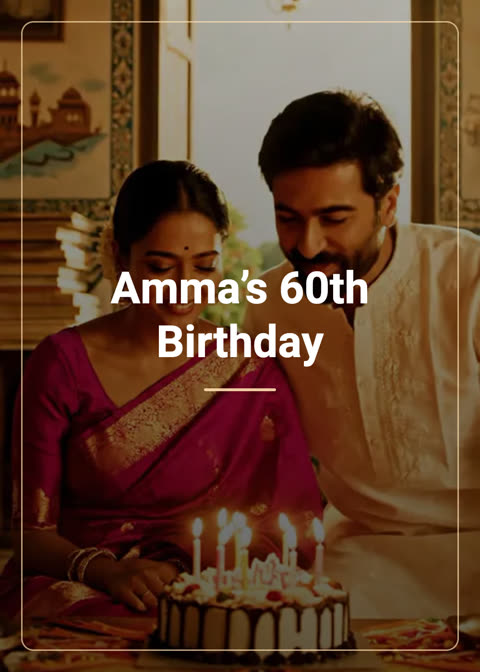
A flipbook is a small digital book of your photos and words. The person you send it to opens a link on their phone and turns the pages with a swipe or a tap, the way they would with a real photo album. There is nothing to install, and for you it is free: no AI, no credits.
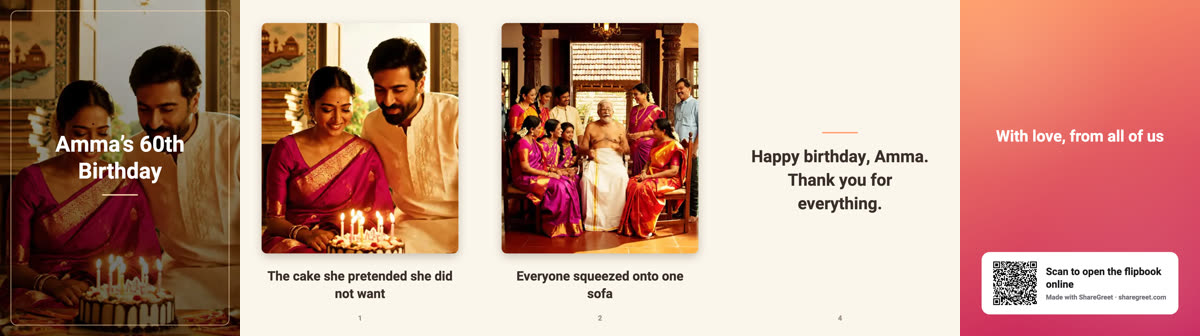
What goes into a flipbook
- A cover with your title, over your first photo or a colored theme.
- Between one and ten pages. Each page can have a photo, a short caption (up to 140 characters), or both.
- A closing page with an optional message (up to 280 characters) and a QR code that opens the flipbook online.
Step by step
- In the Create tab, tap Make a flipbook.
- Type a title and choose a theme: Sunrise, Diya, Garden, Ocean, Midnight or Blossom.
- Tap Add photos and pick several at once, or add pages one by one. Type a caption under each photo.
- Use the arrows to reorder pages, and the bin to remove one. Add a page with words only if a moment does not need a picture.
- Write an optional closing message and tap Create flipbook.
Like a card, the flipbook is made in the background and appears in your profile, with a notification when it is done.
Sharing it
Open the flipbook from your profile and choose Share link. The link opens a book that turns pages on any phone, and the cover becomes the preview picture when you paste the link into a chat. You can also print it as a booklet, or post it to Discover so others can find and open it.
Tips for a good one
- Choose photos that tell a story in order. Morning to night, or first day to last day.
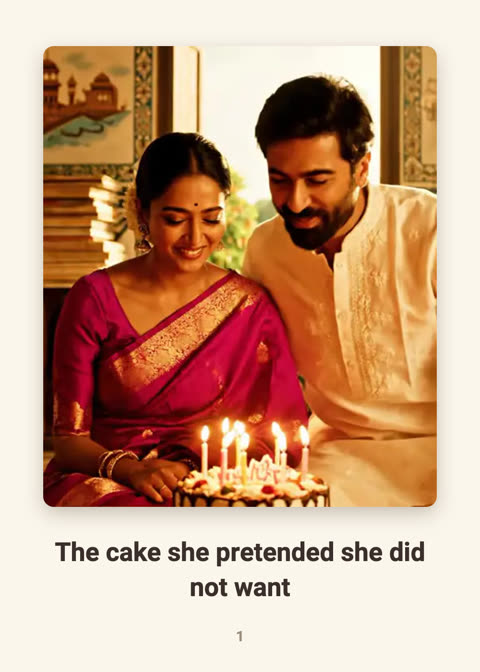
- Keep captions to a line. They are easier to read on a small screen.
- Pick a theme that suits the mood: Blossom for gentle, Diya for festive, Ocean for calm.
- End with the sentence you would say in person.
If something goes wrong
- It is still building: flipbooks are made in the background. Check your profile; it shows as generating until it is ready.
- It failed: nothing is charged. Delete it and try again, and check that your photos are standard images.
- A photo is missing: a photo needs to upload fully before the flipbook can be made, so stay on the screen until it hands off.
Need ideas for what to put on each page? See birthday flipbook page ideas and a year-in-photos flipbook.
Frequently asked questions
How many pages can a flipbook have?
Up to ten pages between the cover and the closing page.
Does the person opening it need the app?
No. The link opens in any phone or computer browser, and pages turn with a swipe, a tap or the arrow buttons.
Can I use text in my own language?
Yes, for Hindi, Marathi, Bengali, Gujarati, Punjabi, Tamil, Telugu, Kannada, Malayalam and Latin-script languages such as English, Spanish and Portuguese. Arabic, Chinese and some other scripts are not supported yet.
More articles
- Greet My Circle: Send Every Festival Wish in One Minute, in Everyone's Language
- AI Video Styles: 37 Looks From Realistic and Anime to Clay and Watercolour
- AI Video Prompt Builder: Write a Better Prompt for Any Video Tool
- Which AI Video Tool Should I Use? A Simple Guide to Every ShareGreet Video Maker
- Replace a Character in a Video With AI: Swap a Person for a Pet, Toy or Cartoon