
Five Ways to Read a Flipbook: Curl, Open Book, 3D, Cover Flow, Slide
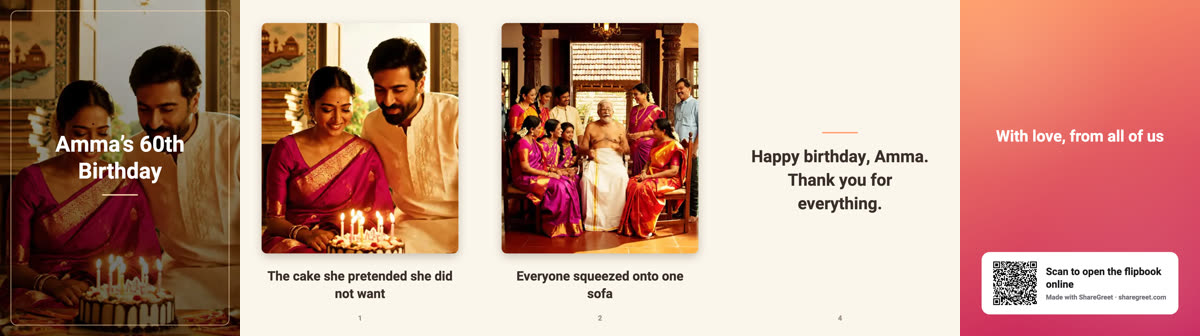
A flipbook is the same pages, whichever way you read them. But how it turns changes how it feels. ShareGreet’s in-app viewer lets you switch between five styles, and the choice is remembered on your device.
Where to switch
In the viewer, a row of style chips sits under the book, and there is a style button in the top bar. In the flipbook builder the same chips sit under the live preview, so you can see how your book will look while you add pages.
The five styles
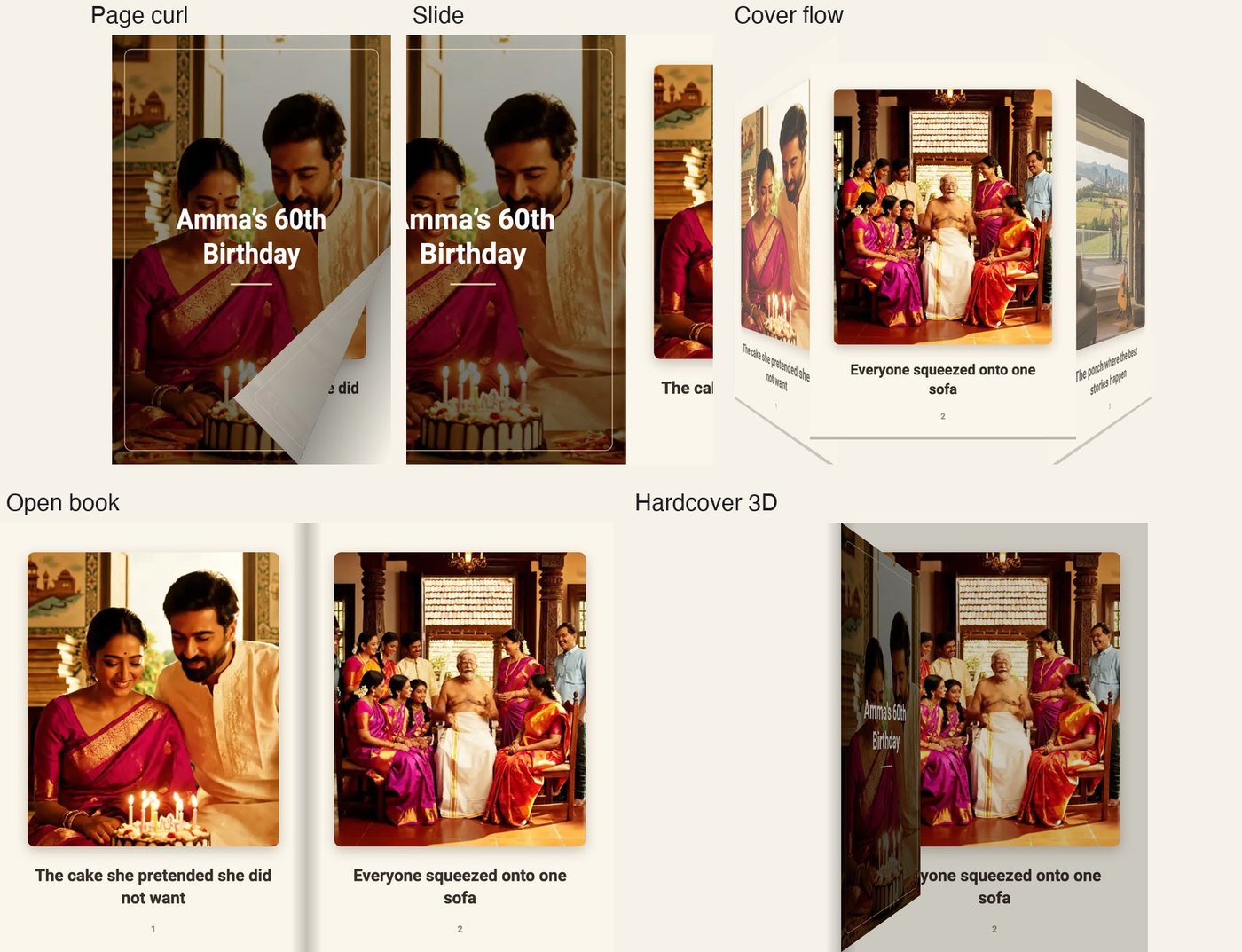
| Style | What you see | Good for |
|---|---|---|
| Page curl | One page. The bottom corner lifts and the page folds over. The page you turned stays visible as a strip on the left. | Phones, and a classic feel |
| Open book | Two pages side by side. The cover starts alone in the middle, then the book opens. Turned pages land on the left. | Tablets and wider screens |
| Hardcover 3D | Two pages, and each leaf swings over the spine in perspective, with shading as it turns. | Showing off a special book |
| Cover flow | Pages in a row. The one you are on is in front, and the ones either side are tilted. | Browsing quickly |
| Slide | One page slides after another, nothing fancy. | Small screens, or a quick look |
Which should you pick?
- On a phone, page curl and slide give the largest pages, which means easier reading for captions.
- On a laptop or tablet, open book and hardcover 3D feel like holding a real book.
- To skim a long book, cover flow lets you see neighbours at a glance.
The two-page styles show each page at about half the width, so text looks smaller on a narrow screen.
What other people see
The style is a choice for the person reading in the app. The shared link has its own page-turning book that opens on any phone, and the video version flips pages on its own. See save a flipbook as a video.
New to flipbooks? Start with how to make a flipbook greeting.
Frequently asked questions
Can I change the style after I make the flipbook?
Yes. The style is only about how you read it in the app. Switch it any time with the chips under the book.
Does the style change what I share?
No. The shared link and the video use their own page turn.
Is the choice remembered?
Yes. The style you pick is remembered on that device.
Which style is best on a phone?
Page curl or slide, because they give each page the most room.
More articles
- Greet My Circle: Send Every Festival Wish in One Minute, in Everyone's Language
- AI Video Styles: 37 Looks From Realistic and Anime to Clay and Watercolour
- AI Video Prompt Builder: Write a Better Prompt for Any Video Tool
- Which AI Video Tool Should I Use? A Simple Guide to Every ShareGreet Video Maker
- Replace a Character in a Video With AI: Swap a Person for a Pet, Toy or Cartoon