
A Photo Flipbook for Grandparents That Opens on Any Phone
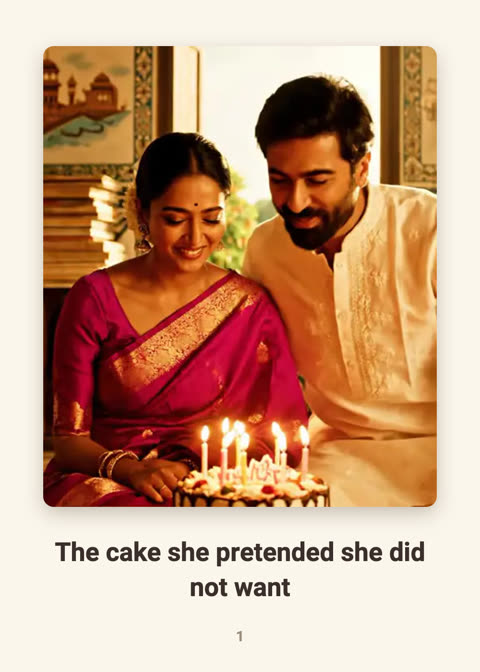
Grandparents often want the same thing from family far away: to see the children, the new house, the weekend, without having to work out a new app. A flipbook is built for that. You send one link, they tap it, and the pages turn like an album.
Why a flipbook suits grandparents
- No installation and no sign-up. The link opens in the phone's browser.
- They set the pace. Unlike a video, nothing runs away from them. They can go back a page.
- Captions in their language. Write them in Hindi, Tamil, Telugu, Kannada, Gujarati, Bengali, Marathi, Malayalam, Punjabi, English, Spanish or Portuguese.
- A copy for the shelf. You can print it as a small booklet and mail or hand it over.
What to put in it
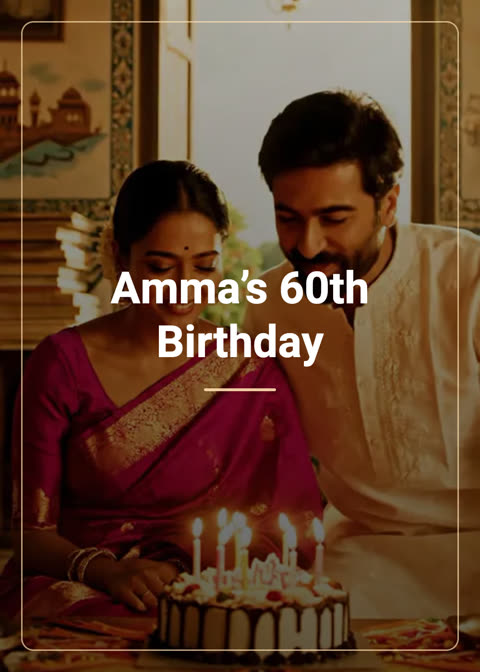
- Cover: a title they will recognise, such as “Aarav’s first month” or “Our new house.”
- Three to six photo pages, each with one line saying who and what.
- One words-only page with the thing you would say if you were on the sofa next to them.
- A closing message that says when you will next call.
Writing captions for older readers
- Name people. “Aarav with his cousin Diya” saves them guessing.
- Say where and when. “The park near our house, Sunday.”
- Keep each caption to one short line. The text is large on the page, so brevity helps.
Helping them open it
Send the link in the messaging app they already use. In your message, say what it is: “Tap this to see photos from the weekend. Swipe left to turn pages.” If they find swiping hard, there are also arrow buttons under the book, and a page counter that shows where they are.
A short message to send with the link
People are more likely to tap a link when they know what it is. Something like:
- English: “Tap this to see photos from the weekend. Swipe to turn the pages.”
- हिन्दी: “इस लिंक को खोलकर इस हफ़्ते की फ़ोटो देखिए। पन्ने पलटने के लिए उँगली खिसकाइए।”
- Español: “Abre este enlace para ver las fotos del fin de semana. Desliza para pasar las páginas.”
For grandparents who prefer paper
Open the flipbook in your profile and choose Print. You get a 5×7 PDF with one page per page of the book, and a QR code on the last page that opens the online version. See how to print it well.
More ideas: birthday wishes for grandparents, staying close to family abroad.
Frequently asked questions
Does a grandparent need a ShareGreet account to open a flipbook?
No. Anyone with the link can open it in a browser. Only the person making the flipbook needs an account.
Will it work on an older phone?
It runs in the phone's browser, and the pages are simple images, so it works on most recent phones. If the page-turn effect cannot load, the pages show as a plain scrolling list instead.
Can I make it private?
The link is not listed on search engines, but anyone who has the link can open it, so share it only with people you trust. See our guide to sharing photos safely.
More articles
- Greet My Circle: Send Every Festival Wish in One Minute, in Everyone's Language
- AI Video Styles: 37 Looks From Realistic and Anime to Clay and Watercolour
- AI Video Prompt Builder: Write a Better Prompt for Any Video Tool
- Which AI Video Tool Should I Use? A Simple Guide to Every ShareGreet Video Maker
- Replace a Character in a Video With AI: Swap a Person for a Pet, Toy or Cartoon