
Animate a Picture, Case Study: One Picture at Four Qualities, 360p to 4K
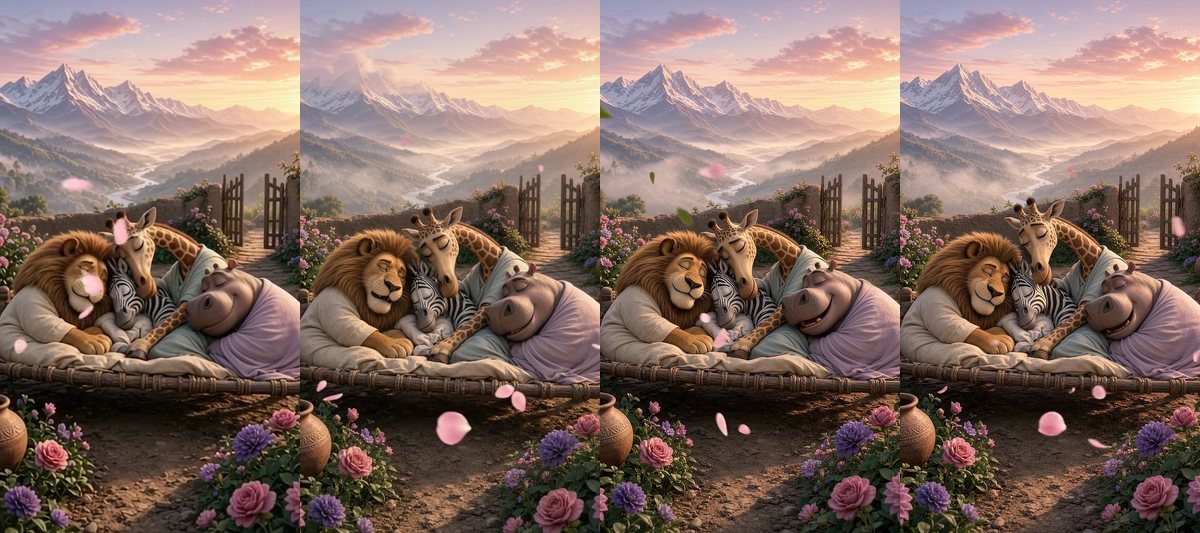
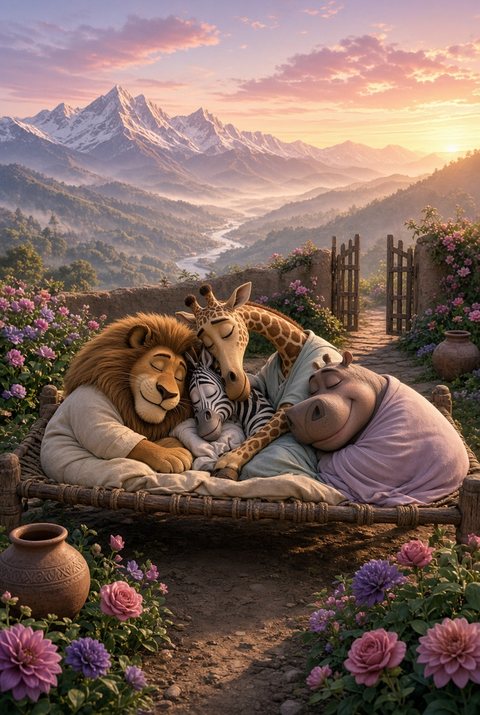
Which quality should you choose for Animate a picture? We ran one real picture through all four, with the same line of words, and wrote down what came out, how long it took and what it cost. Here is what we saw.
What came out
| Quality | Size of the video | 5 s or 8 s | Time to make | Credits |
|---|---|---|---|---|
| Normal 360p | 360 by 640 | 5 seconds | about 40 seconds | 5 |
| HD 720p | 720 by 1280 | 8 seconds | about 2 minutes | 24 |
| Full HD 1080p | 1080 by 1920 | 5 seconds | about 2 minutes | 25 |
| 4K | 2160 by 3840 | 5 seconds | about 6 minutes | 45 |
What we noticed
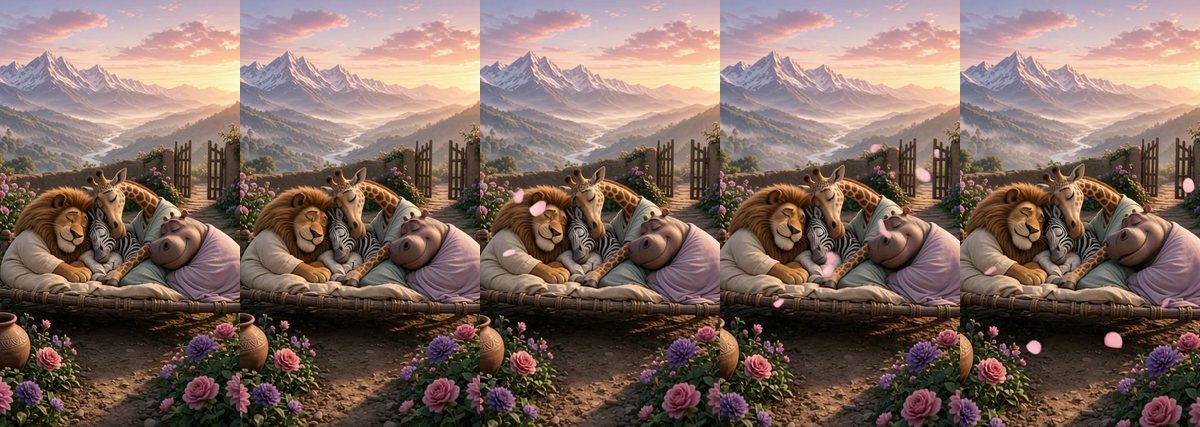
- The motion is the same. The petals, the mist and the slow breathing came out the same way at every size. Quality changes how sharp it is, not what happens.
- 360p is a real preview. It is the default because it is quick and cheap, and it shows you whether the idea works.
- Every video has sound. Soft wind and ambient sounds came with each one.
- Higher quality means a longer wait. 4K took about six minutes. You can close the app: it appears in your Profile when it is ready.
- The 4K file is big (about 8 MB for 5 seconds), so it is best kept for a video you will watch on a large screen or edit further.
Which quality should you pick?
- Trying an idea: Normal 360p. If you like it, make it again higher.
- Sharing on WhatsApp or Instagram: HD 720p is plenty sharp for a phone.
- A favourite picture for a big screen: Full HD 1080p.
- A gift, a print-quality memory or a screen at an event: 4K.
More ways to use it: 12 one-line ideas to animate your pictures.
Frequently asked questions
Does a higher quality change the movement?
No. In our test the movement was the same at every size. Higher quality only makes the picture sharper.
How long does each quality take?
In our test about 40 seconds at 360p, about 2 minutes at 720p and 1080p, and about 6 minutes at 4K. It runs in the background.
How many credits is a 5 second video?
5 at Normal 360p, 15 at HD 720p, 25 at Full HD 1080p and 45 at 4K. An 8 second video is 8, 24, 40 and 72.
Which quality is the default?
Normal 360p, so you can try an idea cheaply first.
More articles
- Greet My Circle: Send Every Festival Wish in One Minute, in Everyone's Language
- AI Video Styles: 37 Looks From Realistic and Anime to Clay and Watercolour
- AI Video Prompt Builder: Write a Better Prompt for Any Video Tool
- Which AI Video Tool Should I Use? A Simple Guide to Every ShareGreet Video Maker
- Replace a Character in a Video With AI: Swap a Person for a Pet, Toy or Cartoon