
Boomerang, Reverse, Slow Motion and Repeat for a Short Clip
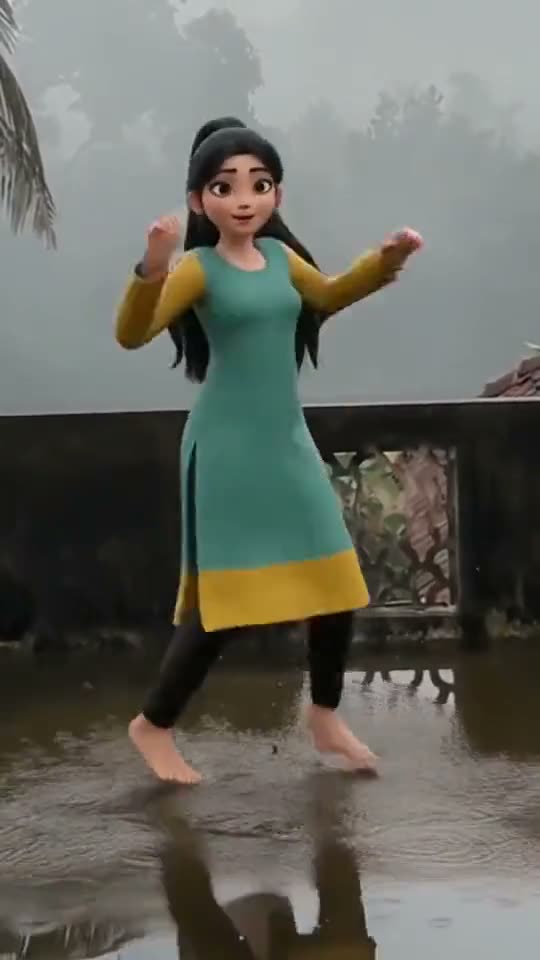
A short clip can feel new when it plays another way. A child's jump looks bigger in slow motion. A splash looks funnier backwards. A wave looks charming when it goes back and forth. The loop tool has four ways to play your clip.
The four ways
- Boomerang: forward, then backward, as one video. The clip's own sound is left out, because backward sound is noise.
- Reverse: the clip plays from the end to the start, and its sound plays backwards too.
- Slow motion: the clip plays at half speed with the frames blended, so it stays smooth.
- Repeat: the clip plays three times in a row.
How to use it
- Open Create, choose Quick video tools and then Loop and slow-mo.
- Pick a clip of up to 15 seconds.
- Choose one of the four ways.
Slow motion makes the video twice as long, and boomerang and repeat make it two and three times as long. Short clips work best. Quick video tools use no AI and no credits. You can make up to 20 a day, free.
Frequently asked questions
How long can the clip be?
Up to 15 seconds.
Does boomerang keep the sound?
No. It is left out, because sound played backwards is only noise.
Is slow motion smooth?
It plays at half speed with the frames blended, which looks smoother than a plain slow-down.
Is it free?
Yes, with no AI and no credits.