
How to Send a Greeting on WhatsApp That People Actually Watch
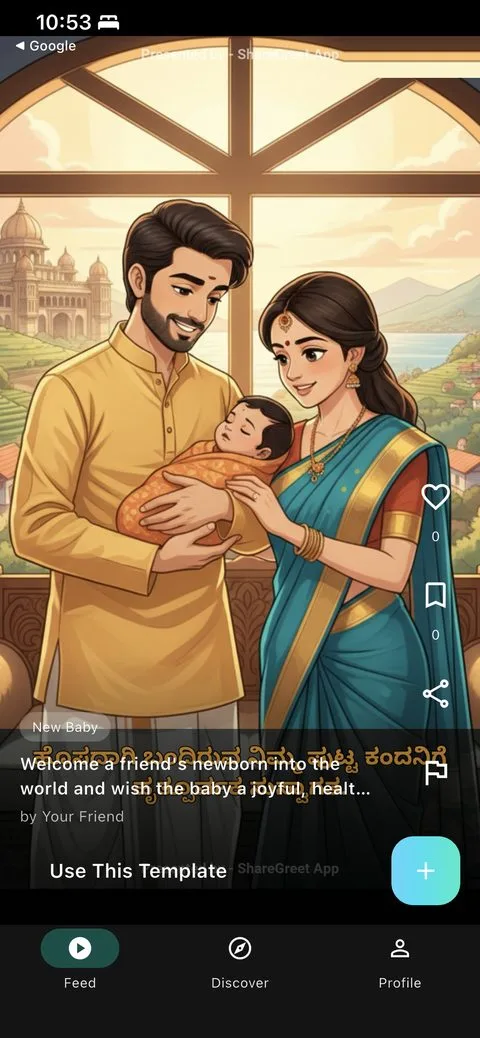
Festival mornings turn family WhatsApp groups into a flood of forwards. Most are skimmed or ignored. If you want yours to be watched, a few small choices make a big difference.
Seven tips
- Make it personal in the first line. A name in the first sentence signals that it is not a forward.
- Use their language. A narration in Tamil, Hindi, Bengali or Spanish is more engaging than English for those who speak it at home.
- Keep it short. 15 seconds is plenty for most greetings. ShareGreet offers 5, 10, 15, 45 and 60 second lengths.
- Send one-to-one for people who matter. A message in a 200-person group is easy to skip.
- Time it. Send early in the morning, before the forwards arrive.
- Make sure it plays without an install. A link that plays in the browser avoids friction for older relatives.
- Add a real photo. One genuine picture beats five stock images.
What ShareGreet does for you
ShareGreet generates a short narrated story from your description and gives you a link with a rich preview. The recipient taps and watches, with no account or app needed.
Why most greetings are ignored
A forwarded image has no signal that it was meant for you. People scroll past it, give it a quick reaction and move on. Messages get watched when they show effort, when they mention the viewer, and when they arrive at a moment the recipient can pay attention.
A better workflow for festival days
- Make a short list. Choose the five or ten people who matter most.
- Create each greeting a day early. Mention each person by name and add one real detail.
- Send one-to-one. Group messages are noise.
- Add a line of your own. One sentence in your own voice makes the link feel less like a broadcast.
- Follow up with a call to the two or three most important people.
What about links and previews?
When you share a ShareGreet story, the link shows a preview image and title in WhatsApp. That gives the recipient a reason to tap. Because the link plays in the browser, there is nothing to install, which matters for older relatives who may be wary of unfamiliar apps.
A quick checklist before you send
- Does it mention the person by name?
- Is the language the one they speak at home?
- Did you read the script aloud once?
- Is the timing right for their time zone?
For a deeper comparison of formats, see AI greeting videos vs e-cards vs forwards.
Short on time? A free card takes about a minute, and you can schedule it to open at midnight.
Frequently asked questions
Do recipients need an account?
No. They open the link and watch.
How long should a greeting be?
15 seconds is a good default. Use 45 or 60 seconds for a longer story.
More articles
- Greet My Circle: Send Every Festival Wish in One Minute, in Everyone's Language
- AI Video Styles: 37 Looks From Realistic and Anime to Clay and Watercolour
- AI Video Prompt Builder: Write a Better Prompt for Any Video Tool
- Which AI Video Tool Should I Use? A Simple Guide to Every ShareGreet Video Maker
- Replace a Character in a Video With AI: Swap a Person for a Pet, Toy or Cartoon