
Make a Flipbook Video in Any of Five Page Styles
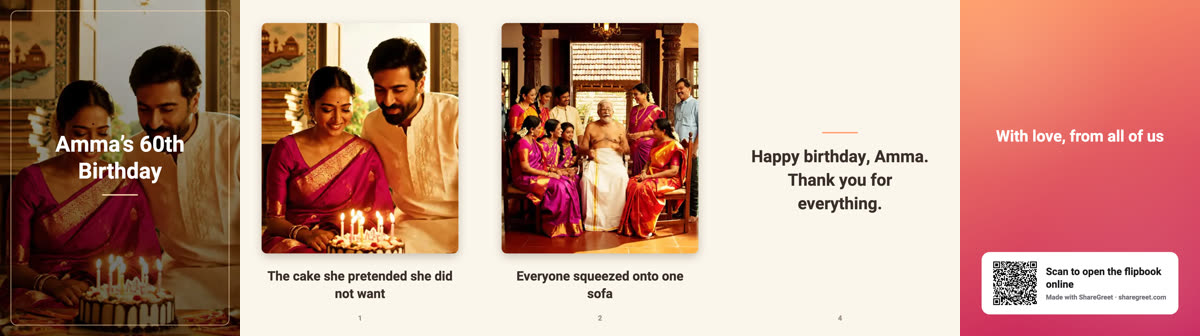
A flipbook video used to turn its pages one way only. Now you choose. When you make a video, pick the page style first, then the music and where you will post it.
The five styles
- Page curl: one page at a time, lifting from the corner. Works well on a phone screen.
- Open book: two pages side by side, the way a real book lies open.
- Hardcover 3D: the same spread, with each leaf swinging over the spine in 3D.
- Cover flow: pages in a row, the ones you passed staying beside you.
- Slide: plain and quick. Each page slides after the last.
How to choose
- Open a finished flipbook and tap Make a video.
- Under Page style, tap the one you want. It starts on the style you last used.
- Pick music if you like, then the format: Reels, Shorts, WhatsApp status and more.
- We tell you when it is ready, even if you close the app. Every video stays in the list to download again.
Which style for which message
- A birthday for a grandparent: page curl. Big pages, easy to read.
- A wedding or anniversary: hardcover 3D. It feels like an album.
- A year in photos: cover flow, so the whole year stays in sight.
- A quick festival wish for a group chat: slide.
Two-page styles hold each spread a little longer so both pages can be read. If you add your own voice, the video is paced to finish after you do. See saving a flipbook as a video for WhatsApp for sizes and sharing.
Frequently asked questions
Is the flipbook video free?
Yes. Making and downloading the video is free.
Can I use my own voice and music?
Yes. The video uses the voice and the music you chose for the flipbook, and you can pick different music when you make it.
Does the style change the flipbook itself?
No. It only changes how the pages turn in the video. Readers still choose their own style on the link.
Which style is best for WhatsApp?
Page curl and slide fill a vertical screen best.
More articles
- Greet My Circle: Send Every Festival Wish in One Minute, in Everyone's Language
- AI Video Styles: 37 Looks From Realistic and Anime to Clay and Watercolour
- AI Video Prompt Builder: Write a Better Prompt for Any Video Tool
- Which AI Video Tool Should I Use? A Simple Guide to Every ShareGreet Video Maker
- Replace a Character in a Video With AI: Swap a Person for a Pet, Toy or Cartoon