
Never Miss a Birthday: Saved Dates and Reminders in ShareGreet
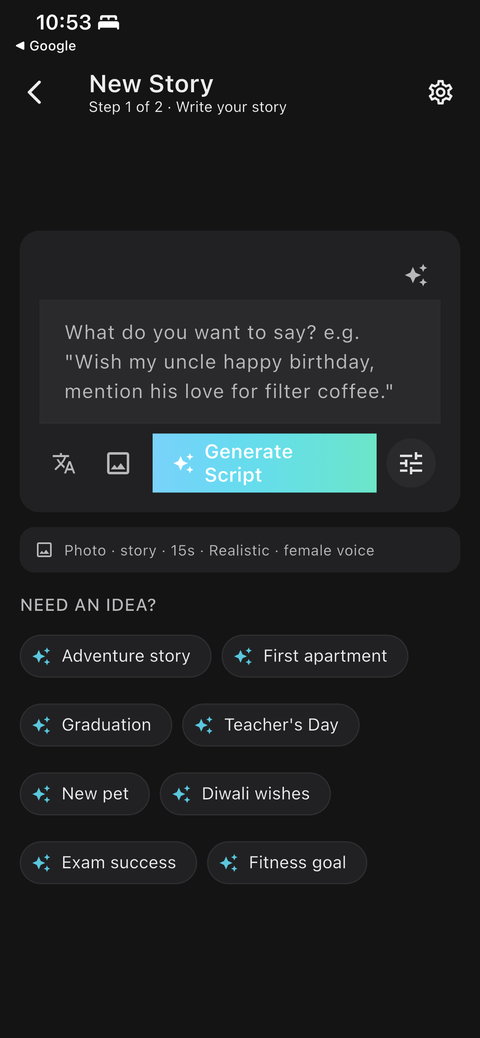
The hardest part of a good greeting is remembering to send it. ShareGreet's saved dates are for that: add a name and a date once, choose how early you want a nudge, and the app reminds you with a greeting ready to start.
What you can save
- Birthdays
- Anniversaries
- Festivals that matter to a particular person or family
- Other dates, such as a graduation or a memorial
Set one up
- On the Create tab, tap Your saved dates.
- Add a name and the date, and choose the type of occasion.
- Choose when to be reminded: the same day, 1 day before, 3 days before, or 7 days before.
- Save it. The reminder repeats every year.
What happens on the day
You get a notification at 9:00 in the morning, in your own time zone. Tapping it opens a new greeting with the person's name and occasion already filled in, so you can make a quick free card, or turn the prompt into a narrated story. Notifications need to be switched on for ShareGreet in your phone's settings.
Festivals near you
ShareGreet also knows about regional festivals, and can remind you around them. The Coming up row on the Create tab shows the next few, and tapping one starts a greeting with the festival already in the prompt. You can switch these reminders off in Settings if you prefer.
Make reminders and scheduling work together
If you set a reminder a week before, you have time to make a greeting early and schedule it to open at midnight. Then the reminder becomes a prompt to share the link rather than a scramble.
A starter list
If you are not sure where to begin, save these: parents, siblings, your partner's family, your closest two or three friends, and the people who would be surprised and pleased to hear from you. Add the festivals your family celebrates, and anniversaries that matter. Ten entries is plenty for a first pass, and you can add more any time.
If a reminder does not arrive
- Check that notifications are allowed for ShareGreet in your phone's settings.
- Battery-saver modes can delay or block notifications. Exclude ShareGreet if you notice delays.
- Check the month and day. Only those matter: the year is not stored, and the reminder repeats every year.
- Reminders go out at 9:00 in the morning in your phone's time zone, so travelling can shift when you see them.
Tips
- Save the five dates you would be most upset to miss first.
- Use 7 days before for anyone you want to mail something to, and same day for close friends you will call anyway.
- Add the festival dates for family abroad. See staying close to family abroad.
Frequently asked questions
Do I need to be signed in?
Yes. Saved dates belong to your account, so you need to sign in with Google, Apple or email.
Can I change or delete a saved date?
Yes. You can edit or remove any saved date from the same screen.
Do reminders cost credits?
No. Reminders are free. Only AI stories use credits, and cards and flipbooks are free.
More articles
- Greet My Circle: Send Every Festival Wish in One Minute, in Everyone's Language
- AI Video Styles: 37 Looks From Realistic and Anime to Clay and Watercolour
- AI Video Prompt Builder: Write a Better Prompt for Any Video Tool
- Which AI Video Tool Should I Use? A Simple Guide to Every ShareGreet Video Maker
- Replace a Character in a Video With AI: Swap a Person for a Pet, Toy or Cartoon